How it works

What makes it work underneath.

Ordering, the Guest Directory and bookings are what your guests see. This page covers the machinery behind them - and how little it takes to get running.

Theming

Theming that knows your hotel.

Paste your hotel's website at signup and our extractor reads the palette, the dominant typography and the logo out of your stylesheets, then renders a guest surface that already looks like yours, with nothing to hand off to a designer.

If the extracted theme isn't quite right, you have two escape hatches. Pick one of fourteen hand-tuned presets inspired by hospitality moods - Coastal Serene, Alpine Hearth, Rosewood Suite - or fine-tune the exact colours and radii on the theme editor at any time. Every change is versioned: roll back is one click.

The same tokens drive the guest menu, the kitchen display, the staff console and the printed receipts, so one brand decision flows through everywhere your guests and staff see the product.

Try the URL extractor
BackFaenaEN

Brasa del Rio

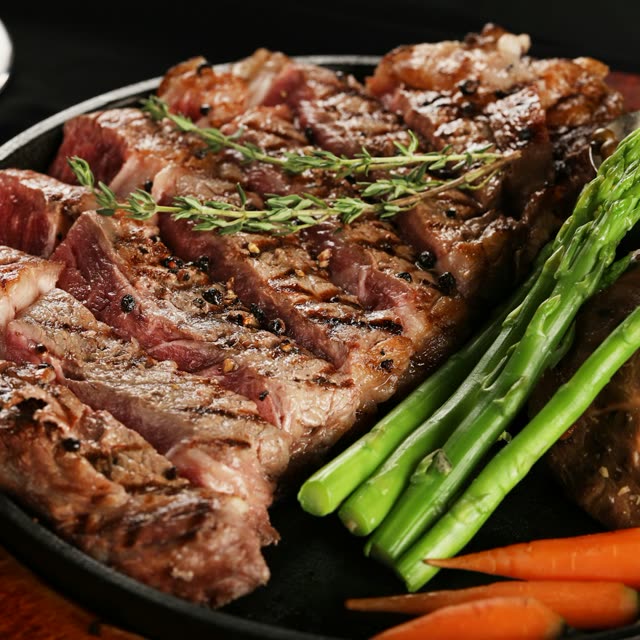
Bife de chorizoGrass-fed sirloin, grilled asparagus.39
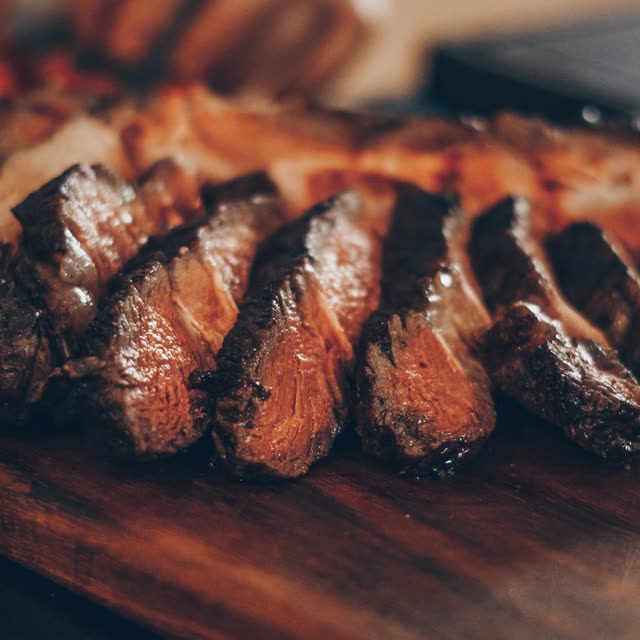
Asado de tiraSlow embers, chimichurri.34
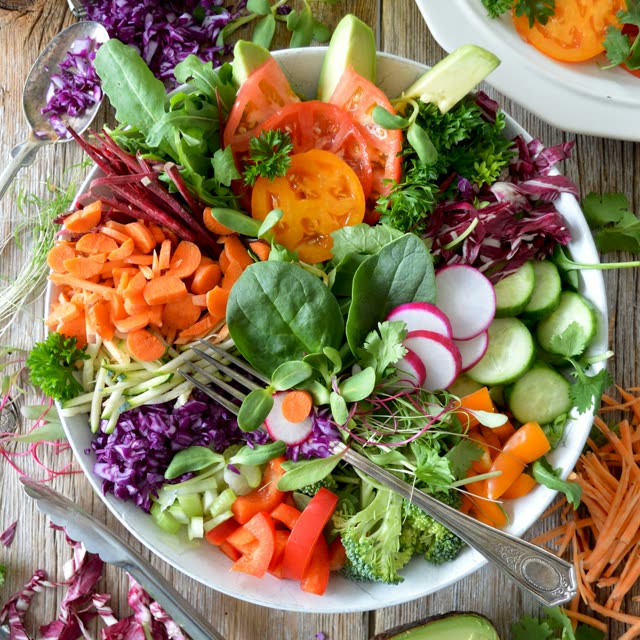
Ensalada criollaTomato, onion, peppers, vinegar.VG14
Malbec by the glassMendoza, sommelier's pick.12
Alfajor de chocolateDulce de leche, dark cocoa.11
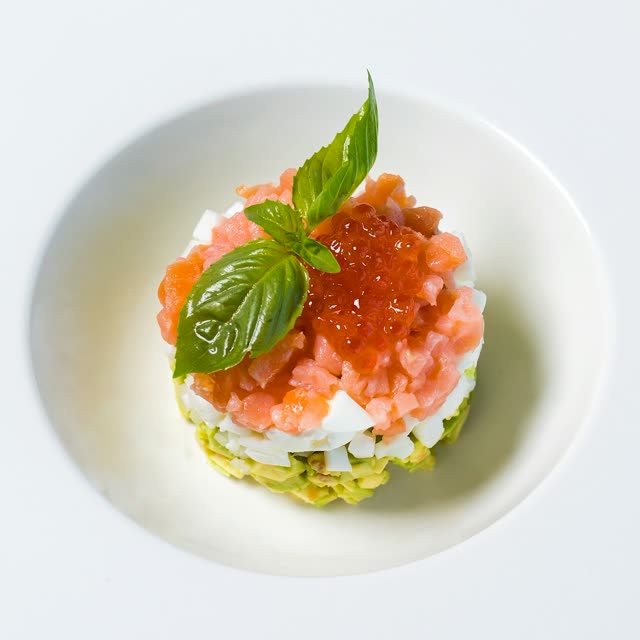
Tartar de bifeHand-cut beef, smoked paprika.21
Milanesa de la casaCrisp veal, lemon, papas.24
Postre flameadoThin crisp pastry, flamed sugar.15
Theme extractedFaena
Kitchen display

A KDS your team will actually trust.

Tickets land on the screen the instant a guest taps Confirm, grouped by outlet and sorted in the order your kitchen actually works through. Every change of state is a deliberate human tap: accepted, ready, delivered. Nothing advances on its own in the background, so the board shows what really happened on the line.

Allergen markers, modifier callouts and per-room delivery clocks all sit on the ticket. The “average delivery time” you sometimes see on KDS dashboards is here as a cosmetic guest expectation only; it never closes a ticket on its own.

When a wait level is breached, the bell rings on a tablet at the pass where the team can't miss it. They treat it as a ticket they own, and that's why guests get fed on time.

Walk through the KDS

Tickets land the moment a guest taps Confirm

Staff console

Run the house from one screen.

Orders, bookings, the menu, the directory: your team works all of it from one console at the desk. No tablet zoo, no app to install, no per-seat licence.

Edit a dish and the room sees it before you stand up. A new order lands on the board the moment the guest confirms, and it moves because someone on your team moved it: into the kitchen, preparing, on its way. The board never pretends work happened on its own.

Translations are drafted for you in seven languages, and nothing is published without your sign-off.

See the staff console

Your team edits the menu from the console

Multilingual

Seven languages your guests already speak.

Portuguese, English, Spanish, French, German, Dutch and Italian ship in the box. A guest picks their language on the first screen and the whole product switches with them: menu, cart, order status, directory, booking flow, even the modifier groups. Whichever locale your content is written in becomes the default, and everything else is translated from it.

When you add a new dish or a directory entry, our DeepL-backed translation modal drafts the seven other versions in seconds. You review them, make any edits and publish; nothing reaches a guest without your sign-off, so the copy stays in your voice. Translation is included on every plan, with nothing to configure.

A guest who doesn't speak English can still order dinner, read the house rules and book a treatment in their own language. It's in every plan, not an upsell.

Try a multilingual demo
BackSuite RosewoodEN

In-Room Dining

Maison Club SandwichTriple-stacked club, dressed greens.24
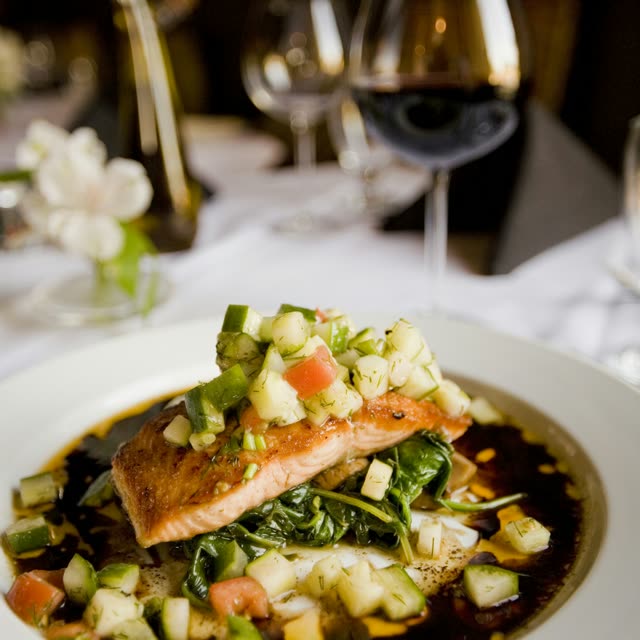
Grilled sea bassLemon, fennel, olive oil; summer greens.24
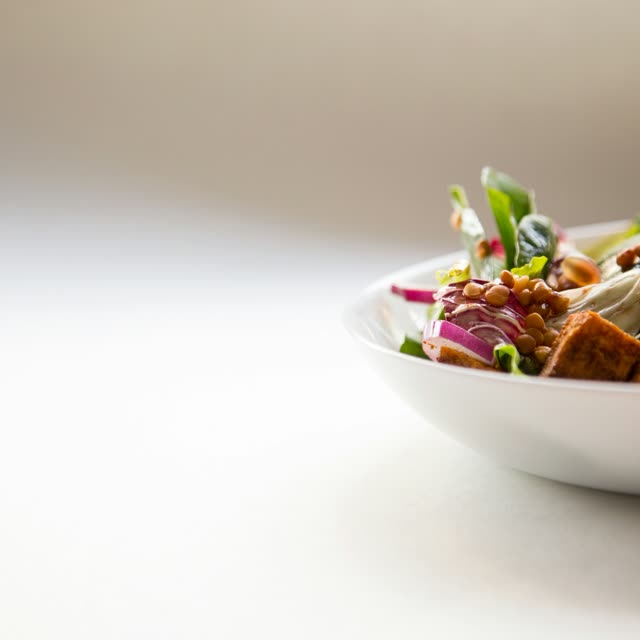
Garden saladMixed leaves, shaved fennel, citrus.VG14
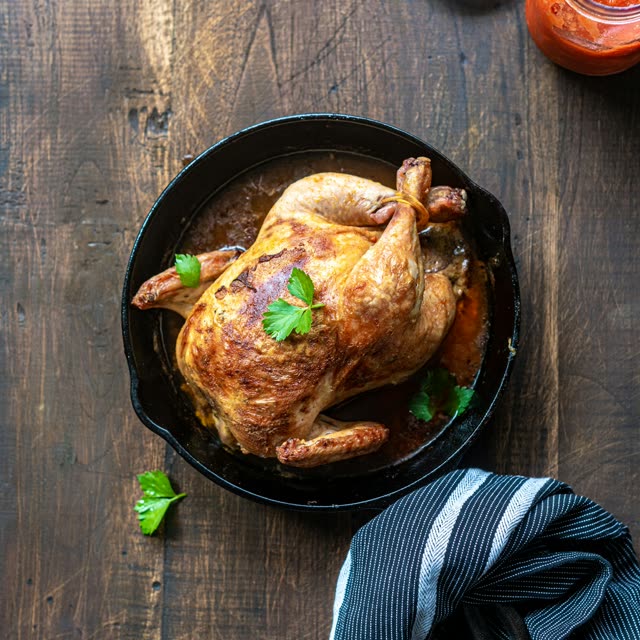
Roast poulet, jusHalf chicken, thyme, pan juices.26
Soup of the marketToday's vegetables, olive oil.VG12
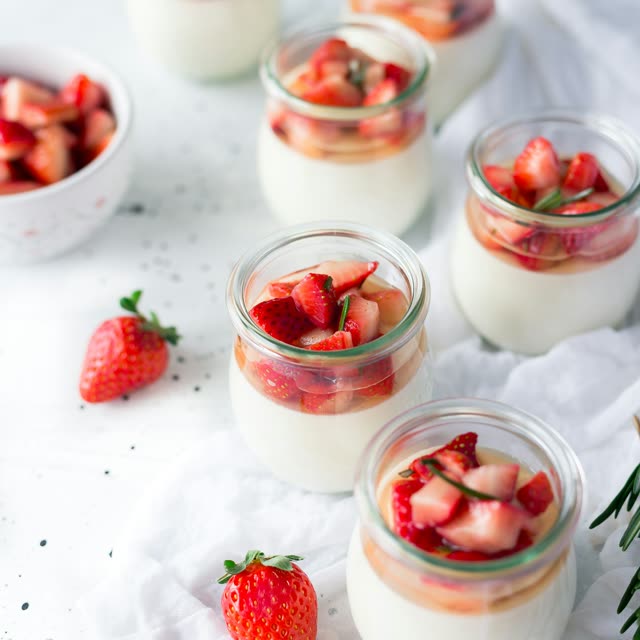
Berries and creamMarket berries, vanilla chantilly.V11
Getting started

Set up in an afternoon.

1

Sign up and pick a theme

Start from fourteen presets, or paste your hotel URL and let the extractor copy your style. Your ordering surface looks like yours from the first preview.

2

Add your menu, directory, and services

Put in your dishes and prices, fill the directory with Wi-Fi, checkout and house rules, and open slots for the spa and activities. Edit it all yourself; we seed a few starters to build on.

3

Print QR codes for the rooms

Generate signed QR codes for every room from one screen, as paper tents, in-room cards or an A4 sheet. One scan opens ordering, the directory and services.

Your kitchen display works from day one. POS and PMS integrations are on the roadmap; tell us your stack at signup and we'll wire your tenant when each one ships.

Odoo
POS / KDS
Soon
Simphony
Oracle POS
Soon
Lightspeed
POS
Soon
Opera
Oracle PMS
Soon
Mews
PMS
Soon
Cloudbeds
PMS
Soon
Apaleo
PMS
Soon
Yours next?
Tell us

Try it on your own hotel.

Start a 30-day free trial. Everything on this page is included, and we only charge once the trial ends.

Start your free trial